
Install InkSmith
Choose the right installer for your computer and open your new desktop workspace.
Choose an available InkSmith installer and start designing right away. Explore every Pro feature for 14 days, then continue in Free mode or choose the edition that fits your work.
Choose your installer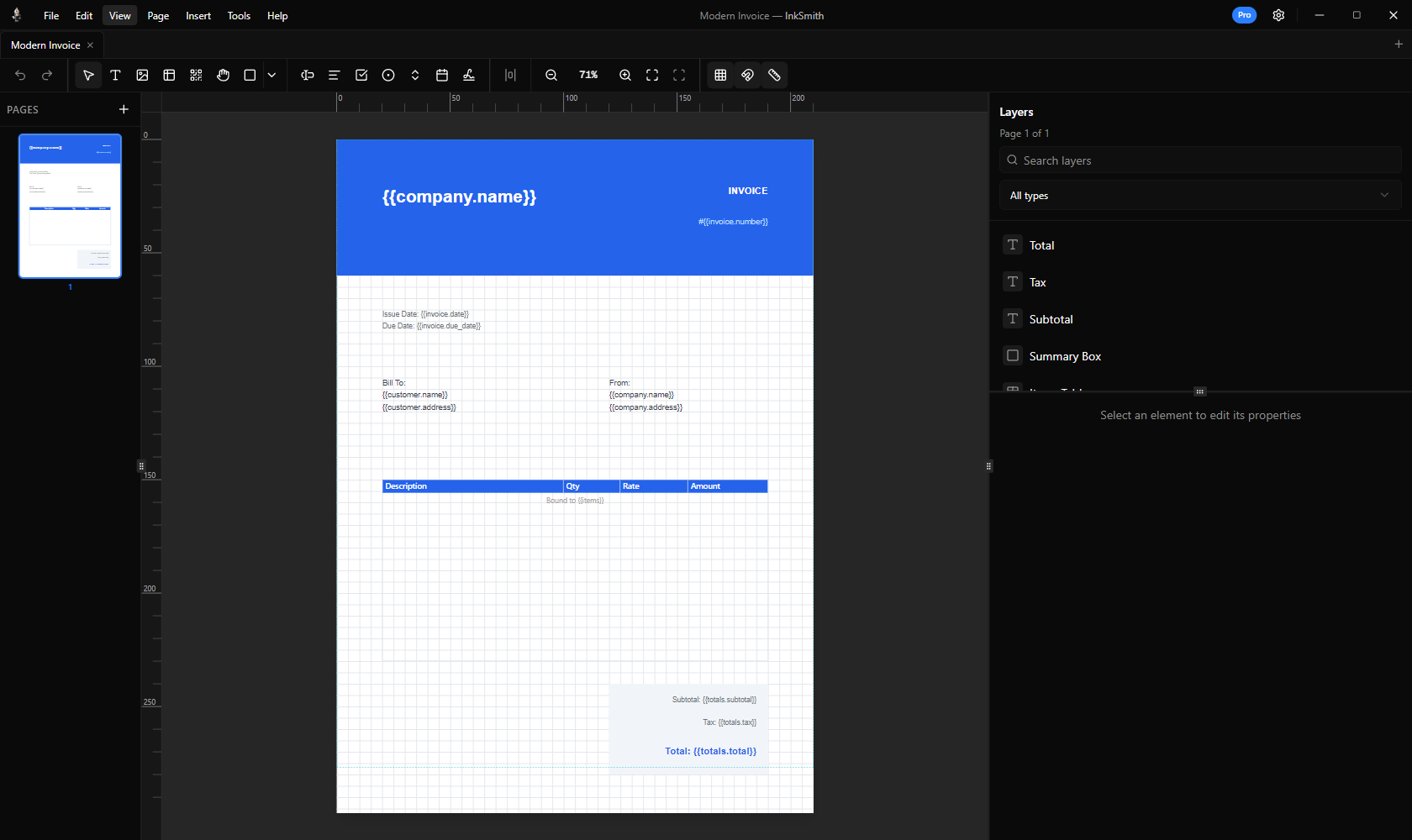
Choose the right installer for your computer and open your new desktop workspace.
Open a template or build your own page with visual tools.
Preview your work, connect data when needed, and export a PDF.
Free keeps the core editor available. Standard adds clean production exports and print tools. Pro adds advanced data, forms, and the full template collection.
Install InkSmith, then activate your key in the app. You can manage your existing licence through the licence portal.
Manage your licence